
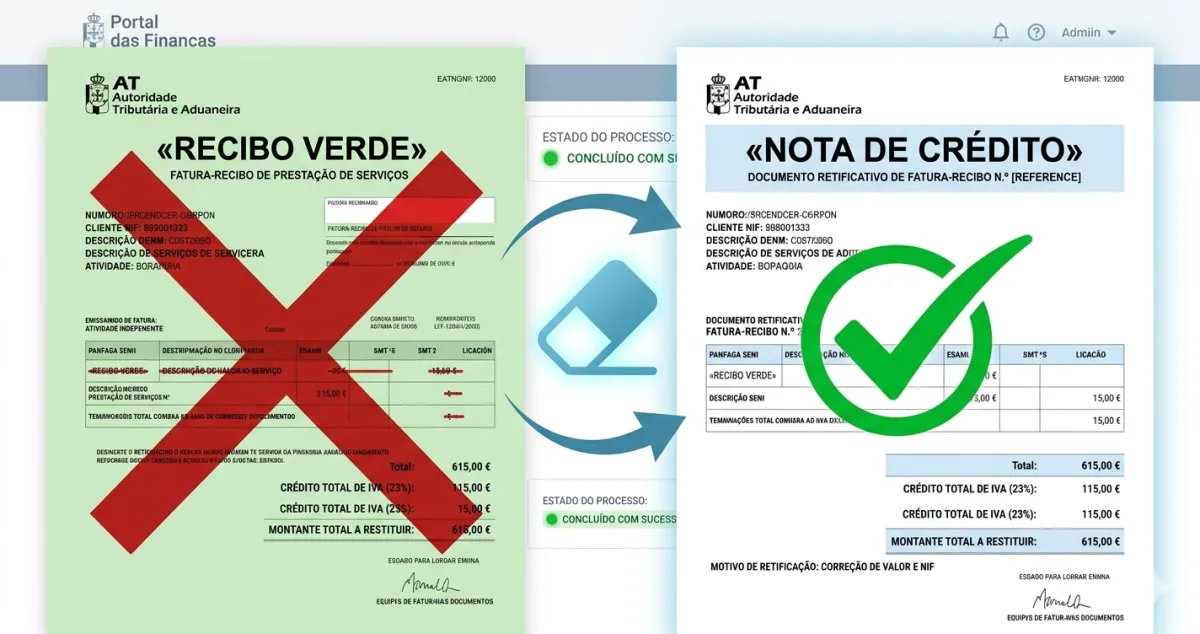
You issued an invoice or fatura-recibo and only then spotted the mistake. First establish what is wrong: the recipient, price, VAT rate, or whether the transaction happened at all. A credit note solves some of these problems, but not all.
What is a nota de crédito?
A credit note reduces the value of an earlier invoice. It identifies the original, explains the reason and itemises the correction. It does not delete the invoice: both documents stay on record.
You might use one to correct an overcharge or document a return, a later discount or a reduction in an actual transaction. If you undercharged, you may need a debit note.
Example: you invoiced €1,500 instead of €1,200
Imagine Sofia, a designer covered by the article 53 VAT exemption. This is a hypothetical example: she charged no VAT on the service and the exemption applied. The agreed price was €1,200, but she invoiced €1,500.
A €300 credit note, also without VAT, corrects the difference. The €1,500 invoice and €300 credit note document a net value of €1,200. There is no need to pretend the original invoice never existed.
If the service were subject to VAT, the correction would also need to account for the corresponding tax. Do not copy these figures into a different VAT regime.
What if only the VAT rate is wrong?
Where the taxable value is correct and you charged too much VAT, a credit note can correct just the VAT difference.
For example: a €1,000 taxable value, VAT charged at 23% (€230), but a legally applicable rate of 6% (€60). The correction is €170 VAT, without reducing the €1,000 taxable value. AT describes this type of correction in Circular no. 25120/2026.
If the correct rate was higher than the one charged, the direction reverses: a debit note for the VAT shortfall. Check the transaction’s treatment first; a software rate suggestion does not replace that check.
When should you cancel instead?
For a wrong NIF, name, address or description, with no change in taxable value or tax, AT’s guidance is to cancel in the original system and issue the correct invoice, keeping the transaction date where required.
An invoice for a transaction that never happened should also be cancelled. That differs from an actual transaction subsequently cancelled, or goods returned, where a credit note may document the reduction.
If you issued through Portal das Finanças, handle the correction there. If you used invoicing software, start with the invoice in that software. Another system cannot make the original record disappear.
The client has already paid. What now?
Correcting the document does not return money. If the client overpaid, arrange a refund or an actual credit against a future purchase and keep the relevant record.
To adjust VAT in your favour, article 78(5) requires evidence that the customer knew about the correction or was reimbursed. Sending an email, without evidence that the recipient became aware of the correction, is not sufficient on its own. Keep the appropriate acknowledgement or proof.
Does the correction always go in the next return?
No. The reason determines the deadline and the period to correct. Clerical or calculation mistakes, errors in applying the law and later changes to a transaction have different rules.
For example, the circular distinguishes a two-year deadline for certain clerical corrections in the taxpayer’s favour from the general four-year period for errors of legal treatment in their favour. Those periods do not permit delaying VAT that was underpaid.
If you have already filed the return, check whether a replacement is needed. A note issued today does not automatically amend an earlier return.
Correcting it in FIZ
Open the invoice, choose Correct document and select the reason. The wizard guides you to the appropriate credit note, debit note or cancellation, including VAT-only corrections.
The October product update shows the process. Before confirming, check the recipient, original reference, amounts and effect on the return. To cancel an invoice imported from another application, use the system that issued it.
Reviewed in November 2026 against articles 29, 36, 78 and 98 of the Portuguese VAT Code and AT Circular no. 25120/2026.